.avif)
TL;DR
- SalesRobot is the strongest pick: cloud-based, AI-personalized per prospect, and built for the kind of targeted outreach real estate agents need when going after investors, corporate leads, and referral partners.
- Dripify is the best entry point for agents who want to start simple.
- Expandi suits agents running LinkedIn and email in the same sequence, which is common when targeting corporate HR leads.
- Meet Alfred works for agents active on Twitter/X alongside LinkedIn who want one tool managing both.
- Waalaxy is the lowest-cost way to test LinkedIn automation before committing.
- PhantomBuster is worth considering if you want to scrape LinkedIn event attendees, conference lists, or group members to build hyper-targeted prospect lists.
The highest-value real estate leads are not on Zillow. They are on LinkedIn, and most agents are not reaching them.

Corporate relocators, property investors, HR directors sourcing employee housing, estate attorneys passing client referrals: these are the people who move fast, buy at price, and rarely shop on portals.
They are also the people spending their mornings on LinkedIn before their first meeting.
The problem is that reaching them consistently takes time most agents do not have.
Searching for the right profiles, sending connection requests, writing follow-up messages, and tracking who replied.
If done manually across hundreds of contacts, this is hours per week that should be spent at showings, on calls, or closing deals.
LinkedIn automation for real estate handles the repetitive prospecting work so the agent shows up to conversations that are already warm.
But not every tool is suited to how real estate agents actually prospect. This guide covers 10 that are, what make each one right for specific situations, and what each costs.
Why LinkedIn Is a Different Lead Source for Real Estate
Most real estate lead gen fights over the same pool: Zillow buyers, Facebook ads, door knocking, open houses. LinkedIn taps a different pool entirely.
Corporate relocators are the most direct use case. When a company promotes someone or opens a new office, housing needs follow.
HR directors, Chief People Officers, and mobility managers are actively looking for agents who understand the relocation process.
They are not browsing Realtor.com. They are on LinkedIn every day.
Property investors maintain their professional identities on LinkedIn. Family office principals, private equity analysts, high-net-worth individuals who hold real estate as part of a portfolio: these are people an agent can reach with a well-targeted message that costs nothing beyond the tool subscription.
Referral partners are arguably the highest long-term ROI from LinkedIn outreach. Estate attorneys, divorce lawyers, financial advisors, and accountants refer clients regularly.
Building 50 of those relationships systematically through LinkedIn outreach produces leads for years, not just the current campaign.
Out-of-area agents who can refer inbound relocation business are also reachable on LinkedIn in a way that a cold call never would be.
None of these lead types show up through traditional portal advertising. LinkedIn automation gets agents in front of them at scale.
This guide covers:
- The 10 best LinkedIn Automation Tools for Real Estate
- Its pros and cons,
- and who it's built for.
What to Look For in a LinkedIn Tool Built for Real Estate
The 10 Best LinkedIn Automation Tools for Real Estate Agents
1. SalesRobot: Best Overall for Real Estate LinkedIn Prospecting
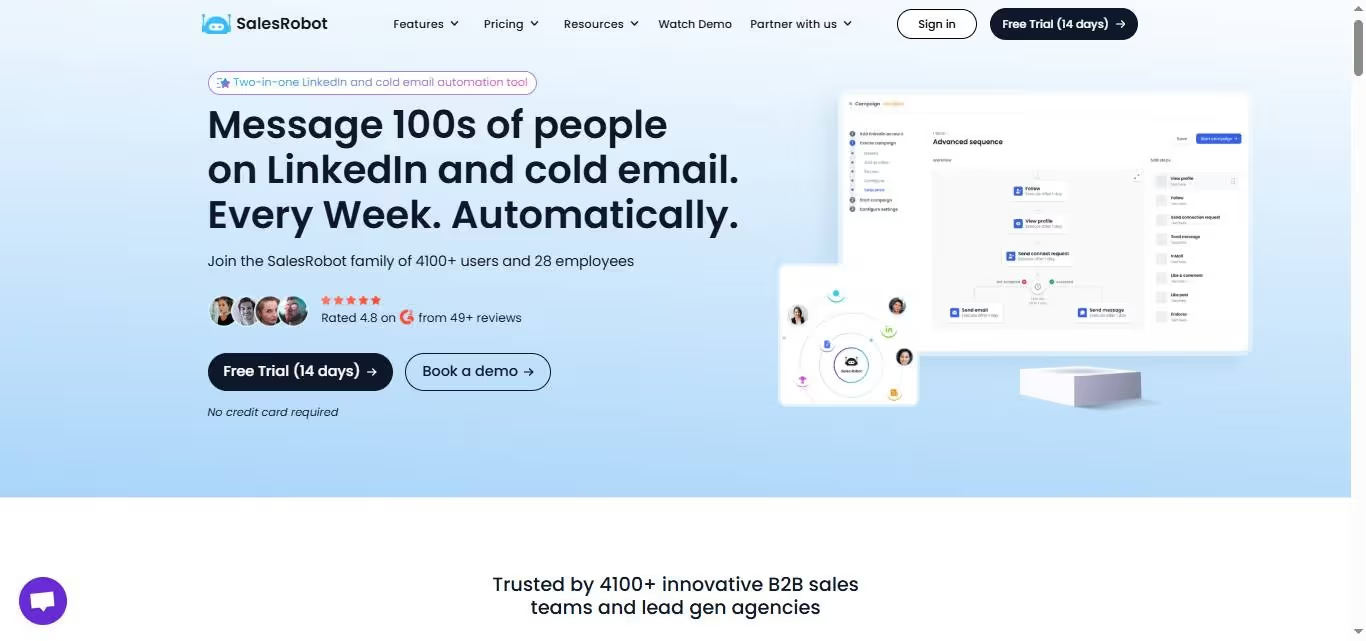
Overview: SalesRobot is a cloud-based LinkedIn outreach platform that does something most tools do not: it reads each prospect's LinkedIn profile before sending and writes a unique opening line per person.
For real estate agents, this is the difference between a message that says "Hi, I'd love to connect" and one that says "I noticed you lead HR at Accenture's Chicago office: happy to share what's available in the North Shore area if your team has any incoming relocations."
The first gets ignored. The second gets replies.
For agents targeting corporate relocators specifically, Sales Navigator integration lets you filter by exact titles (Head of HR, VP People Operations, Mobility Manager), company size, and location, so your outreach list is precise rather than broad.
Key features:
- AI that reads each prospect's LinkedIn profile and writes a unique opening line per person
- Cloud-based with a dedicated IP per account; campaigns run 24/7
- AI Appointment Setter in copilot mode (suggests replies) or autopilot mode (responds directly)
- Voice clone messaging: send personalized voice notes at scale without recording each one individually
- Sales Navigator integration for filtering by title, company size, location, and seniority
Pros:
- Per-prospect personalization is what separates real estate outreach that works from mass-blast spam that gets ignored
- 0.004% ban rate; one of the lowest in the category, which matters because your LinkedIn profile represents years of relationship-building
- Runs without your computer on, which is non-negotiable for agents who are in the field every day
- Managed service option available if you want SalesRobot's team to run campaigns for you entirely
Cons:
- More capability than a solo agent running a single simple campaign needs immediately; takes time to configure well
- Email outreach is a $15/month add-on on top of the base plan
Pricing:
- Self-service: Starting at $59/month per account
- Managed service: $397/month (SalesRobot team handles strategy, copy, list-building, campaign management)
Best for: Agents targeting corporate relocators, investors, or referral partners who want personalized outreach running in the background without manual work every day.
2. Dripify: Best Budget Starting Point for Agents New to LinkedIn Automation
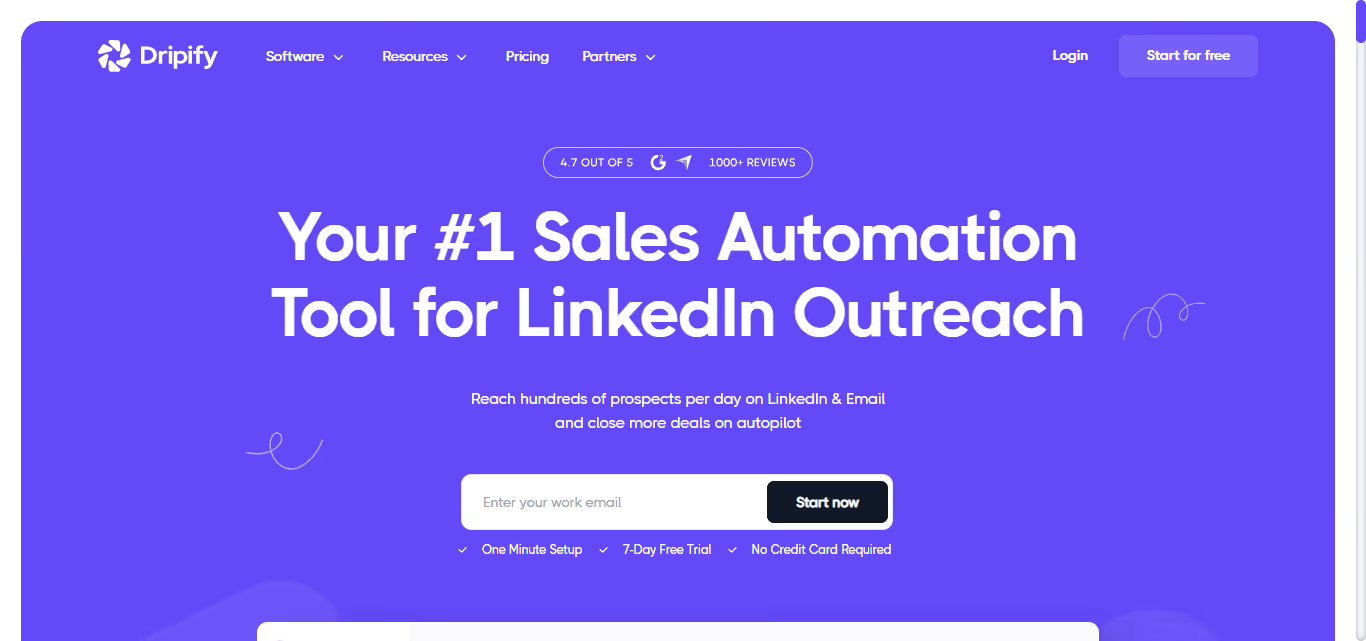
Overview: Dripify is a beginner-friendly LinkedIn automation tool with a drag-and-drop campaign builder and multi-step outreach sequences.
It includes reply detection, human-like activity delays, campaign analytics, and Zapier integrations, making it a solid choice for agents looking for an affordable and easy-to-use automation platform.
For a real estate agent who wants to test whether LinkedIn automation is worth it before spending significantly, Dripify is the right entry point.
Key features:
- Drag-and-drop campaign builder with multi-step sequences
- Human-like timing delays between actions
- Smart inbox with automatic reply detection and sequence pause
- Analytics dashboard covering connection rate, reply rate, and campaign performance
- CRM sync via Zapier (HubSpot, Follow Up Boss through Zapier, Salesforce, Zoho)
- CSV export for lead data
Pros:
- Fast to set up; agents with no automation background can be live within a day
- Clean analytics that are easy to review without a technical background
- Affordable pricing for agents testing LinkedIn automation for the first time
Cons:
- Basic plan caps connection requests at 20 per day and limits you to one campaign; the Pro plan is what you actually need for real outreach volume
- Variable-based personalization only; no AI reading of individual profiles
- Not built for multi-account use if a team or brokerage wants to run outreach across multiple agents
Pricing: $59/month per user (Basic), up to $99/month (Advanced)
Best for: Solo agents running simple outreach sequences to referral partners or a single target segment who want to start without a large financial commitment.
3. Expandi: Best for Agents Running LinkedIn and Email Together
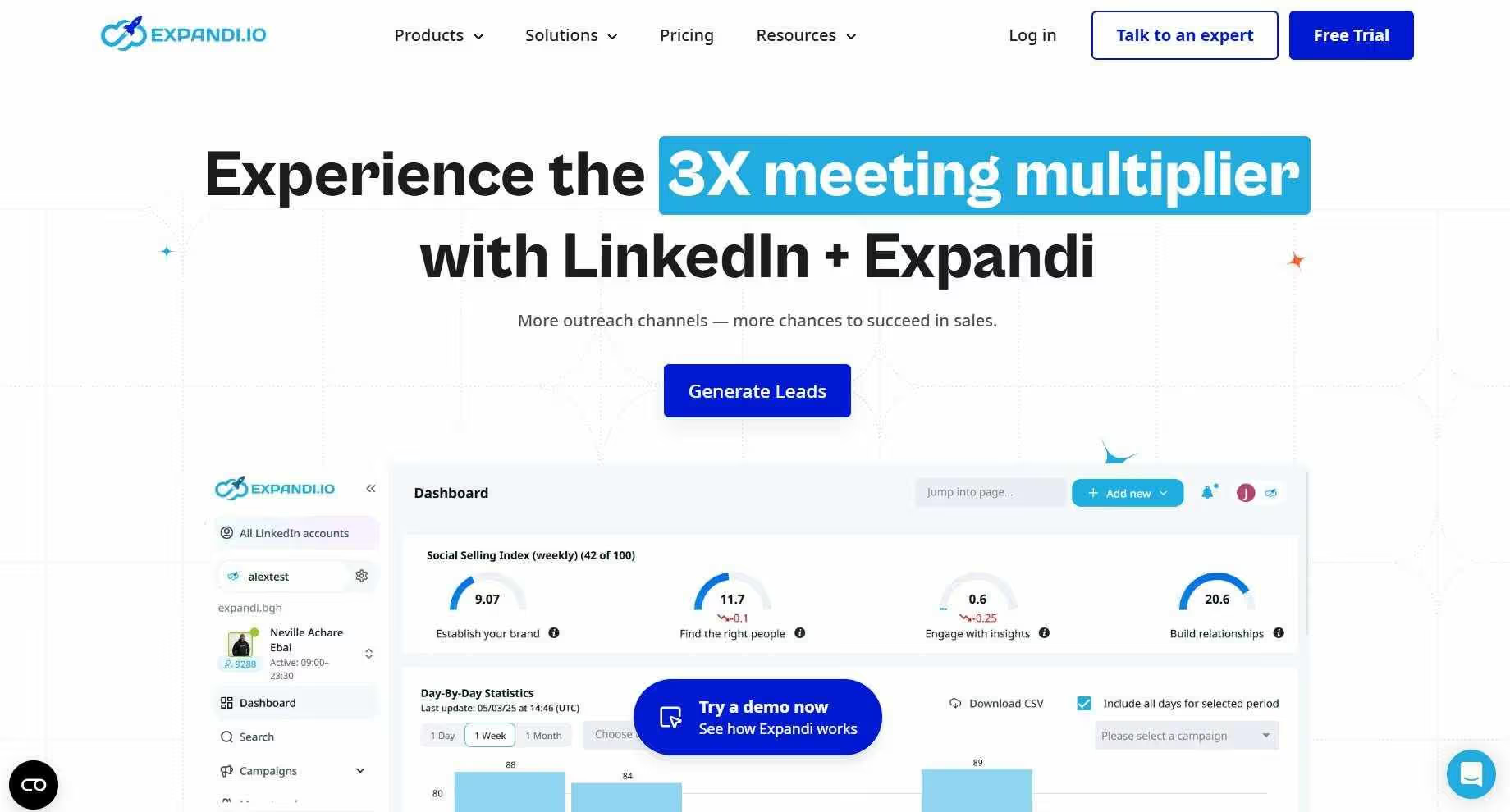
Overview: Expandi is a cloud-based tool with one feature set that makes it specifically relevant for real estate agents targeting corporate HR leads: the ability to sequence LinkedIn and email outreach in a single campaign.
Expandi combines LinkedIn and email outreach into a single automated workflow, making it ideal for agents targeting corporate relocation leads.
It offers conditional campaign logic, A/B testing, dynamic personalization, dedicated IP addresses, and team workspaces to support more advanced prospecting strategies.
Key features:
- LinkedIn and email in one coordinated sequence
- If/then conditional campaign logic based on whether the prospect accepted, replied, or did not respond
- A/B testing for connection request messages and follow-ups
- Dedicated IP per account
- Dynamic personalization with GIF and image support
- Workspaces for teams managing multiple LinkedIn accounts
Pros:
- Coordinated LinkedIn and email sequences are more effective for corporate HR outreach than LinkedIn alone
- Dedicated IP per account is a meaningful safety advantage for protecting a professional profile built over years
- A/B testing lets agents identify which messages are actually driving replies rather than guessing
Cons:
- $99/month is the highest per-account price among the more straightforward tools on this list
- 7-day trial is short for a tool that takes two to three weeks to warm up properly
- No AI reading of individual prospect profiles; personalization is variable-based
Pricing: $99/month per seat, 7-day free trial
Best for: Agents targeting corporate HR directors or relocation managers where coordinated LinkedIn and email outreach outperforms LinkedIn alone.
4. HeyReach: Best for Brokerages Running Outreach Across Multiple Agents
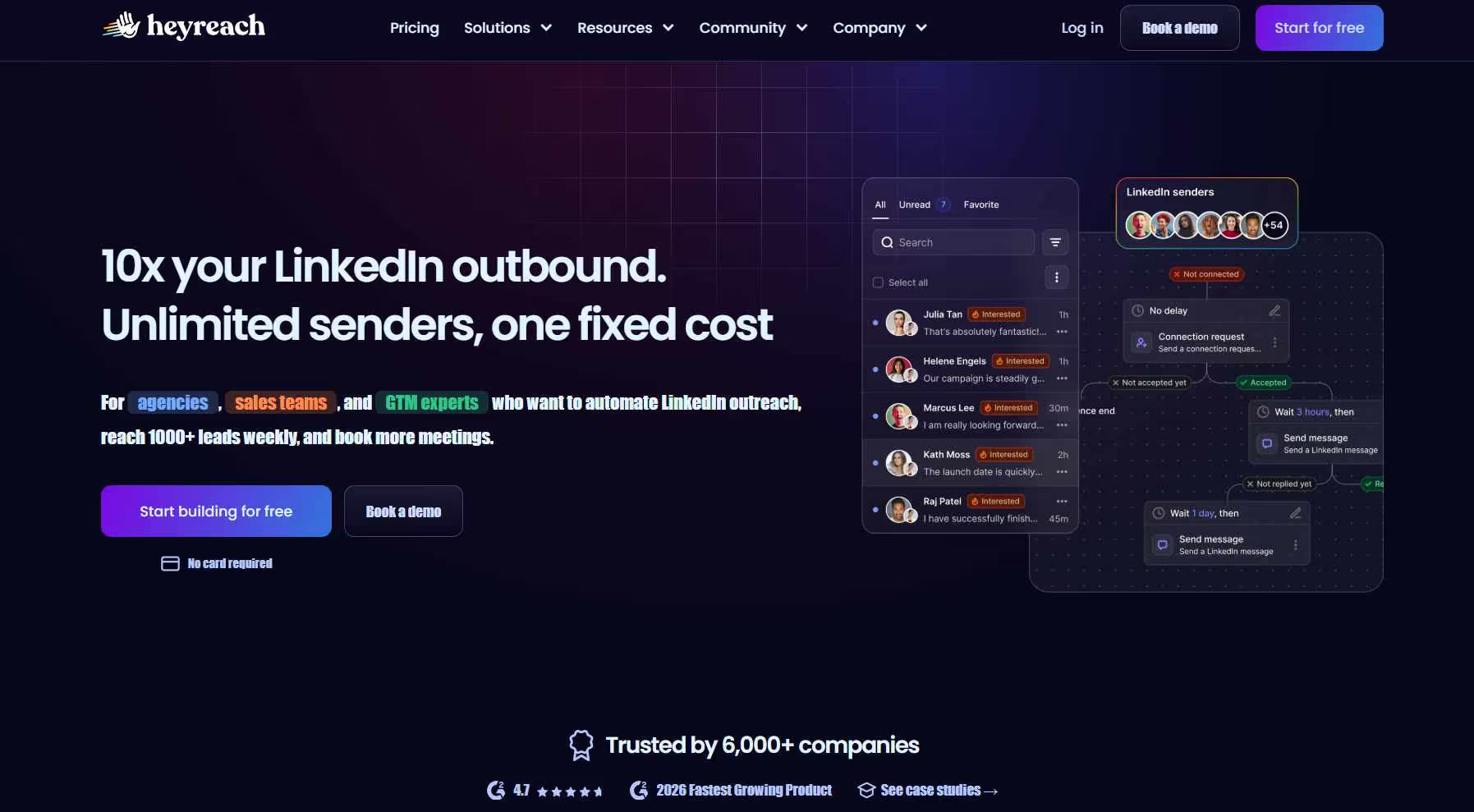
Overview: HeyReach is built for multi-account operation, not individual use.
Its account rotation system, unified inbox, CRM integrations, proxy support, and reporting dashboard allow teams to run coordinated prospecting campaigns from a single platform.
For an individual agent, HeyReach is overbuilt and overpriced. For a team of five agents where the broker wants to run coordinated outreach across all five accounts from one dashboard, the per-sender economics are strong.
Key features:
- Account rotation across multiple LinkedIn accounts in one campaign
- Unified inbox pulling all conversations from all accounts into one place
- CRM integrations: HubSpot, Pipedrive, Zapier, Apollo
- Proxy support and automated daily action limits per account
- Advanced reporting with exportable dashboards
Pros:
- Per-sender cost drops significantly at team scale; five agents on HeyReach Growth costs less per account than five separate individual tool subscriptions
- Unified inbox means no lead falls through the gap between accounts
- Strong Clay integration for teams already using Clay for data enrichment
Cons:
- Solo agents are paying for multi-account infrastructure they will not use
- No per-prospect AI personalization
- The agency-tier pricing reflects an agency-tier product; individual agents should look elsewhere
Pricing: Starter $79/month, Agency $999/month, Unlimited $1,999/month
Best for: Brokerages or real estate teams wanting coordinated LinkedIn outreach across multiple agent accounts managed from one dashboard.
5. Waalaxy: Best Free Entry Point for Agents Testing LinkedIn Outreach
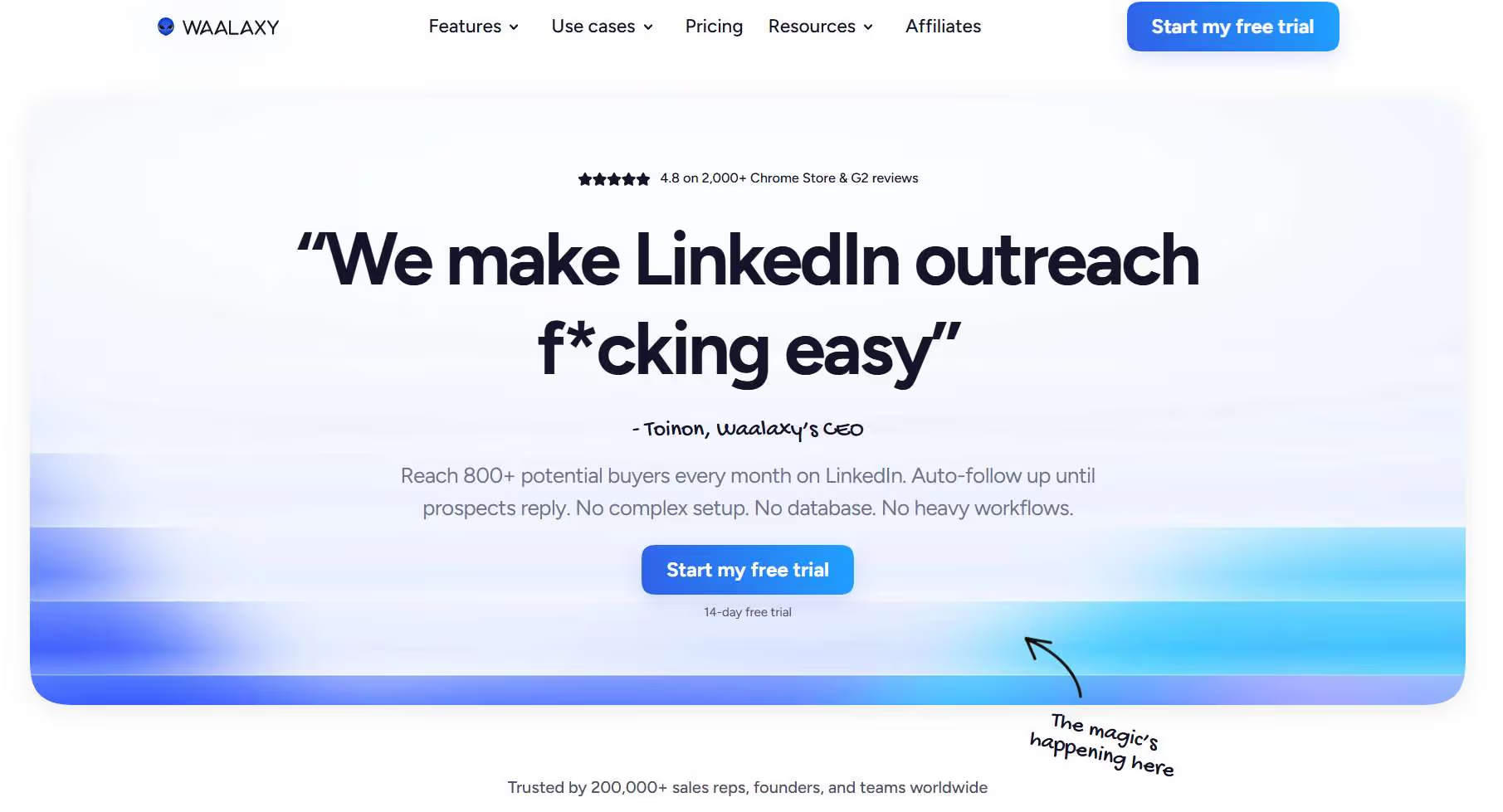
Overview: Waalaxy combines LinkedIn automation and email outreach in an easy-to-use platform with a free plan.
It includes pre-built campaign templates, a built-in email finder, CRM functionality, and workflow automation, making it a practical option for agents experimenting with LinkedIn prospecting for the first time.
The catch is that Waalaxy is browser extension-based. Campaigns only run when the browser is open. For agents who are in the field every day, this is a meaningful constraint.
Key features:
- LinkedIn and email outreach in one workflow
- Drag-and-drop builder with 99+ pre-built sequence templates
- Built-in email finder to enrich LinkedIn contacts with verified emails
- Built-in CRM for tracking prospect interactions
- GDPR-compliant contact handling
- Free plan available
Pros:
- Free plan lets agents genuinely test LinkedIn automation before any financial commitment
- Pre-built templates are particularly useful for agents who have never written a LinkedIn outreach sequence
- Email finder built in removes the need for a separate enrichment tool
Cons:
- Browser extension-based; campaigns stop when the browser closes, which is a real problem for agents who are not at their desk
- Pro plan ($19/month) is limited to a small number of actions per month; serious outreach requires a higher tier
- Not suited for agents targeting high-volume corporate or investor lists
Pricing: Free trial available. Pro $19/month to Business $69/month
Best for: Agents on a tight budget who want to run initial tests before committing to a paid tool, particularly those targeting referral partners where outreach volume is moderate.
6. Meet Alfred: Best for Agents Active on LinkedIn and Twitter/X
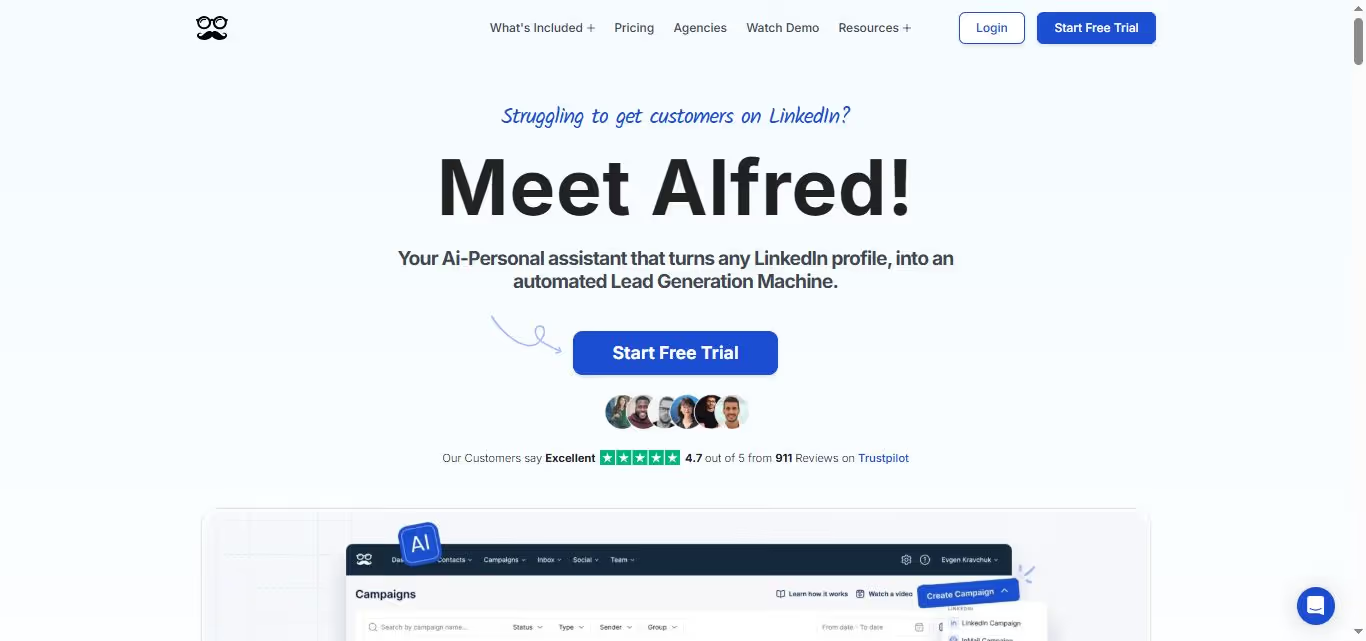
Overview: Meet Alfred runs coordinated outreach across LinkedIn, email, and Twitter/X in one automated sequence.
For real estate agents who post market commentary on Twitter/X and are building a public profile across both platforms, it lets them run outreach that touches prospects across multiple surfaces.
The built-in CRM handles basic lead tracking so agents do not need a separate tool for initial prospect management before leads are ready to move into Follow Up Boss or LionDesk.
Key features:
- Multi-channel sequences across LinkedIn, email, and Twitter/X
- Dynamic personalization with variable tags
- Built-in CRM and lead tracking
- Team collaboration features
- Zapier integrations for CRM handoffs
- Centralized analytics across channels
Pros:
- Three-channel outreach at a lower price point than many LinkedIn-only tools
- Good for agents building a personal brand across LinkedIn and Twitter/X simultaneously
- Built-in CRM reduces the number of tools needed in early-stage outreach
Cons:
- Aggressive automation settings can trigger LinkedIn account restrictions if not configured conservatively; the default settings need adjustment
- No AI personalization that reads individual prospect profiles
- Less suited to high-volume investor or corporate outreach than SalesRobot
Pricing: Basic $59/month, Pro $99/month, Teams $79/month per user
Best for: Agents building a presence across both LinkedIn and Twitter/X who want one tool managing outreach on both platforms alongside email.
7. Dux-Soup: Best for Agents Who Need Native CRM Sync Without Zapier
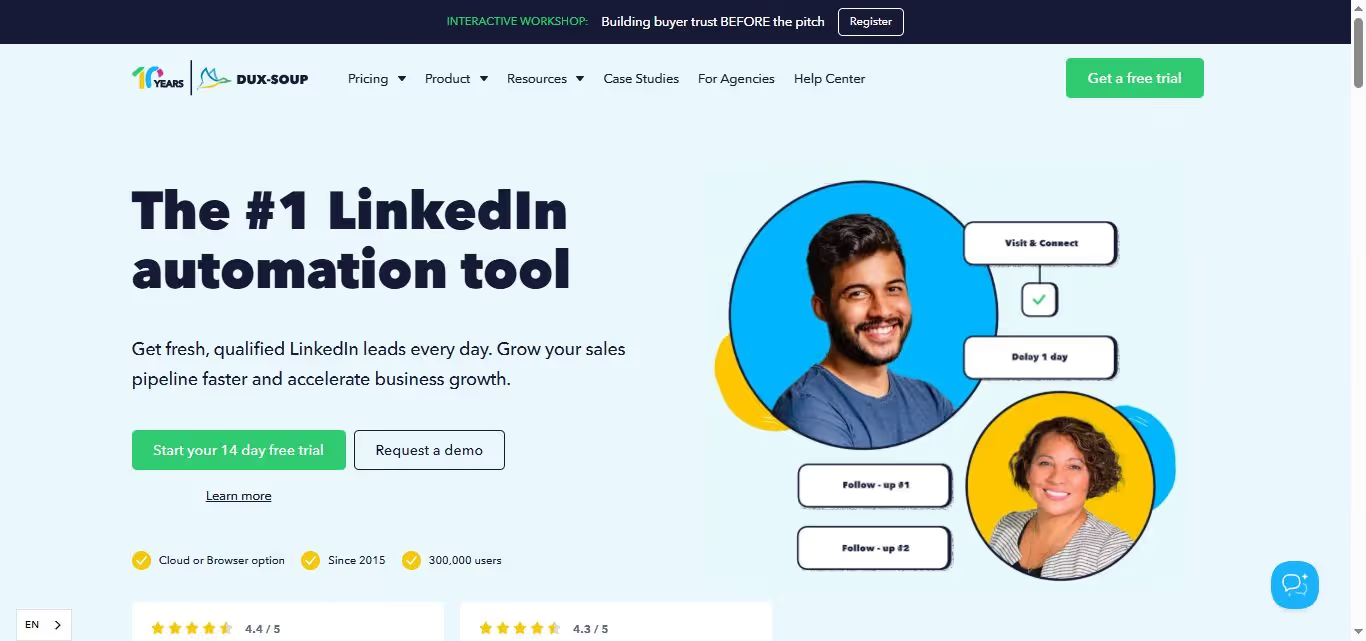
Overview: Dux-Soup is a long-established LinkedIn automation tool known for its native CRM integrations and Sales Navigator compatibility.
It supports automated connection requests, follow-ups, profile visits, InMail campaigns, and two-way syncing with HubSpot, Salesforce, and Pipedrive.
The Turbo plan adds a cloud-always-on mode that keeps campaigns running even when the browser is closed, which addresses the main weakness of browser-based tools. On the Pro plan, the tool still stops when the browser closes.
Key features:
- 2-way native CRM sync with HubSpot, Salesforce, Pipedrive, Slack, and Microsoft Teams
- Automated connection requests, follow-ups, profile visits, and InMail sequences
- Snooze feature that pauses activity to avoid triggering LinkedIn's detection systems
- Sales Navigator compatible
- Cloud-always-on mode on the Turbo plan
- Free plan available for basic use
Pros:
- Native 2-way CRM sync is the cleanest lead handoff on this list for agents running HubSpot or Salesforce; no Zapier required
- Large user base means extensive tutorials, community documentation, and answered questions for every common issue
- Free plan for agents who want to evaluate before committing
Cons:
- Cloud-always-on only comes with the Turbo plan; on Pro, campaigns stop when the computer closes
- Interface is dated compared to newer tools
- No AI personalization based on reading individual profiles
Pricing: Individual plans from $14.99/month; Agency plans from $371/month
Best for: Agents running HubSpot, Salesforce, or Pipedrive as their primary CRM who want LinkedIn contacts to sync directly into their pipeline without a Zapier setup.
8. PhantomBuster: Best for Agents Who Want to Build Hyper-Targeted Prospect Lists
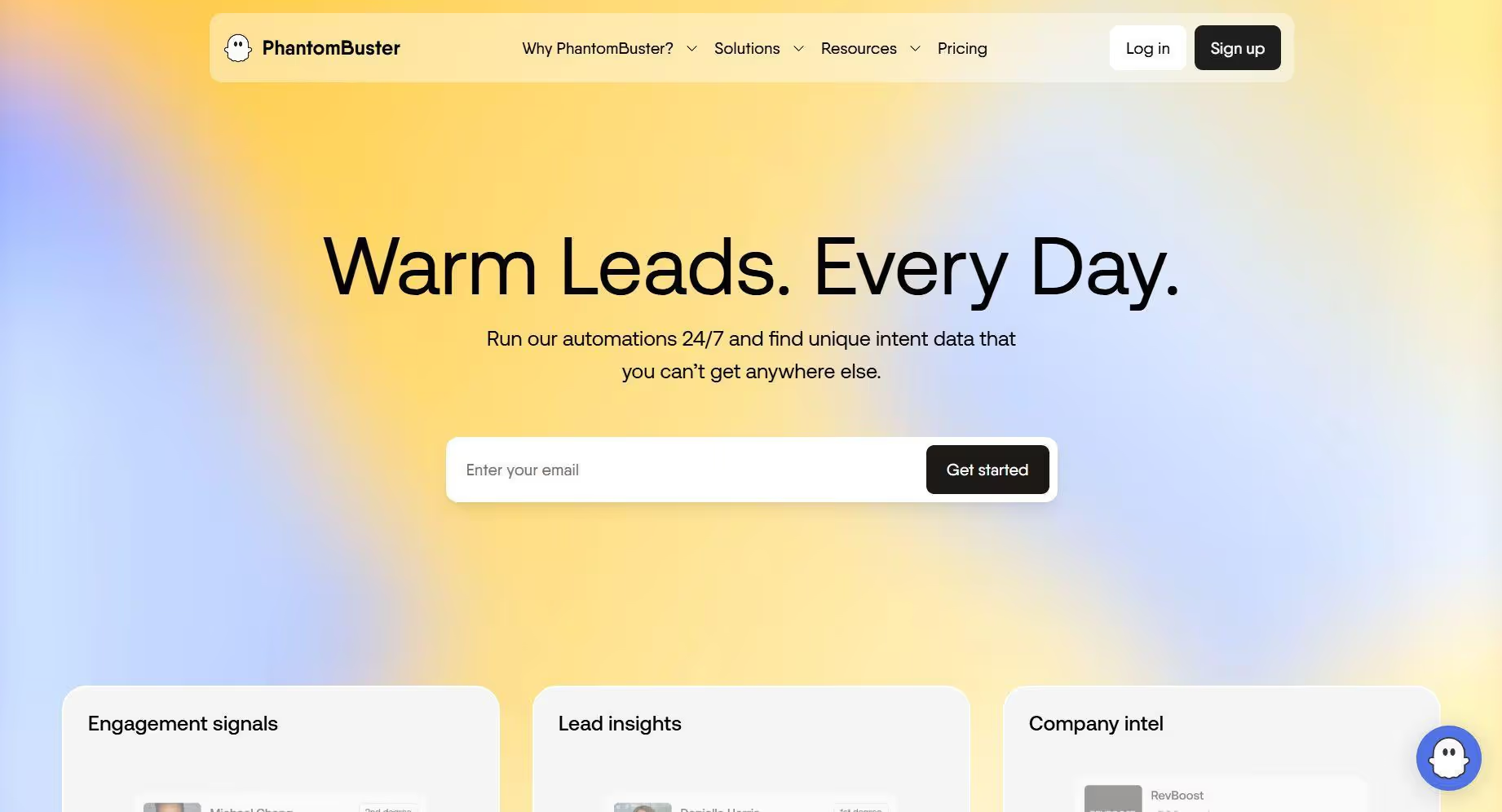
Overview: PhantomBuster is not a traditional outreach sequencing tool. It is an automation toolkit built around modular "Phantoms" that scrape, enrich, and process LinkedIn data in custom workflows.
For real estate agents, the specific use case that makes it worth considering is prospect list building from sources that other tools cannot reach: LinkedIn event attendees, post commenters, group members, and company employee lists.
PhantomBuster also tracks job changes, which is a direct buying signal in real estate.
A workflow that monitors a saved list and alerts you when someone in it changes jobs turns a cold list into a warm one.
Key features:
- Pre-built Phantoms for scraping LinkedIn event attendees, post likers, group members, and company employee lists
- Job change tracking for saved contact lists
- Profile enrichment with contact data
- Visual workflow builder for chaining Phantoms together
- CRM integrations via HubSpot and Zapier
- Cloud-based operation
Pros:
- Event attendee and post commenter scraping produces prospect lists no other tool can generate
- Job change tracking turns a static contact list into an ongoing source of warm outreach triggers
- Flexible enough to build workflows that fit real estate prospecting specifically
Cons:
- Steep learning curve; not set up for agents who want a quick start
- Execution slot limits on lower plans restrict how much can run per month
- You build your own workflows; there is no real estate-specific template out of the box
Pricing: Free trial, then $69/month to $439/month
Best for: Tech-comfortable agents or team coordinators who want to build targeted prospect lists from LinkedIn events, conferences, or groups, and who want job change alerts as a warm outreach trigger.
9. Linked Helper: Best for Budget-Conscious Agents Who Want Full Manual Control
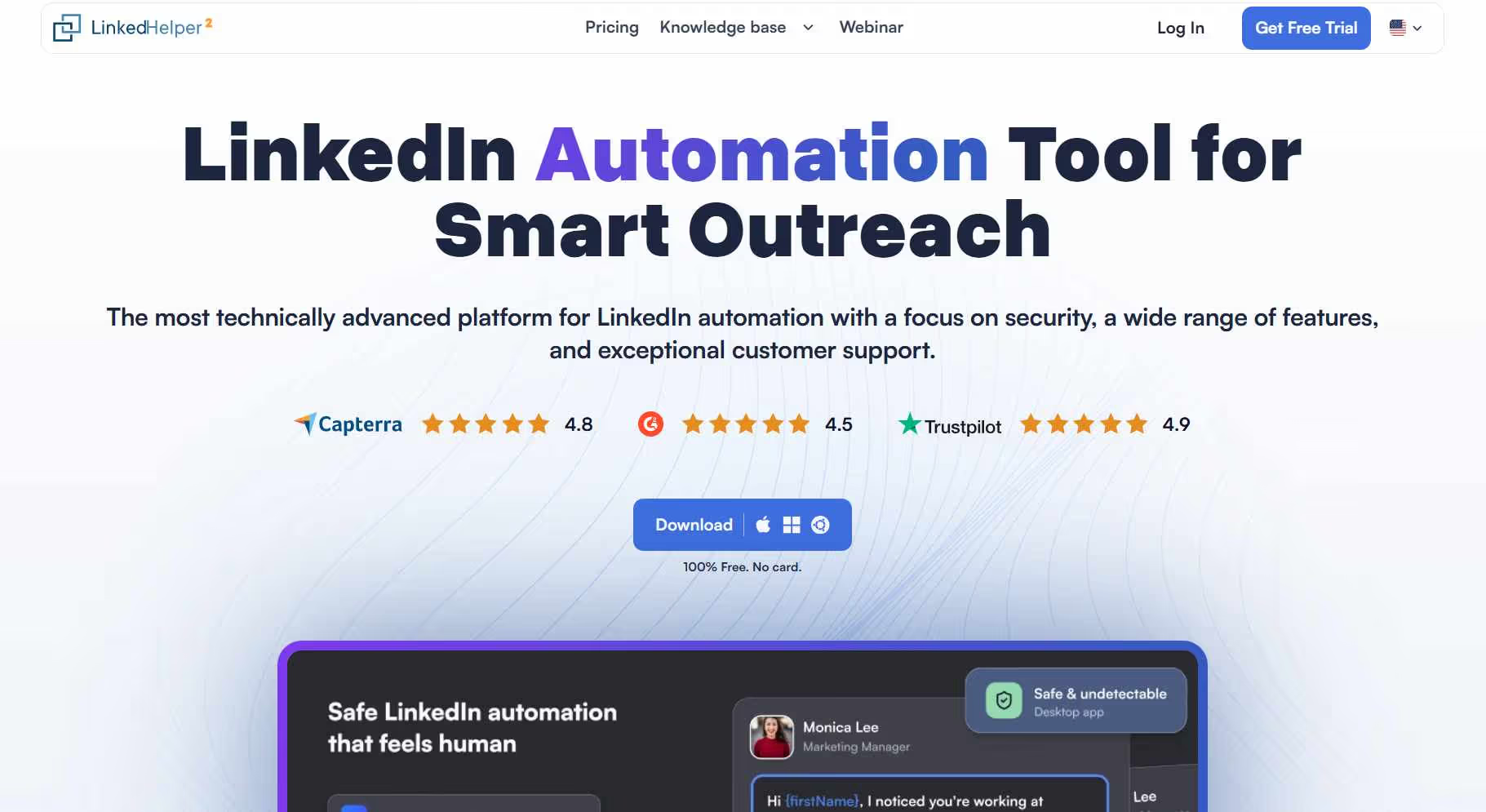
Overview: Linked Helper is a desktop-based tool that runs locally and gives the agent direct control over every timing and activity setting.
It includes automated connection requests, follow-ups, reply detection, Sales Navigator support, lead tagging, notes, and a built-in CRM, all at one of the lowest price points in the category.
The core limitation is obvious: desktop-based means the computer must be running. For an agent in the field between 9am and 6pm, the tool is effectively off for most of the day.
Key features:
- Automated connection requests, follow-ups, InMails, and profile visits
- Visual campaign builder with smart reply detection
- Built-in CRM with lead tagging, notes, and conversation history
- Compatible with LinkedIn Basic, Sales Navigator, and Recruiter
- Full control over daily action limits and timing
Pros:
- Lowest price on this list by a wide margin
- No cloud infrastructure means nothing is stored on external servers, which some agents prefer
- Sales Navigator support at $15/month is genuinely strong value
Cons:
- Campaigns stop when the computer closes; an agent in the field loses most of their active campaign hours
- LinkedIn-only; no email or cross-channel capability
- Interface is dated compared to cloud tools built more recently
Pricing: Standard $15/month, Pro $45/month (after 14-day free trial)
Best for: Desk-based agents on a tight budget who want full control over their outreach settings and do not need campaigns running while they are away from their computer.
10. Salesflow: Best for Agents Who Want Structured Outreach With Clear Limits
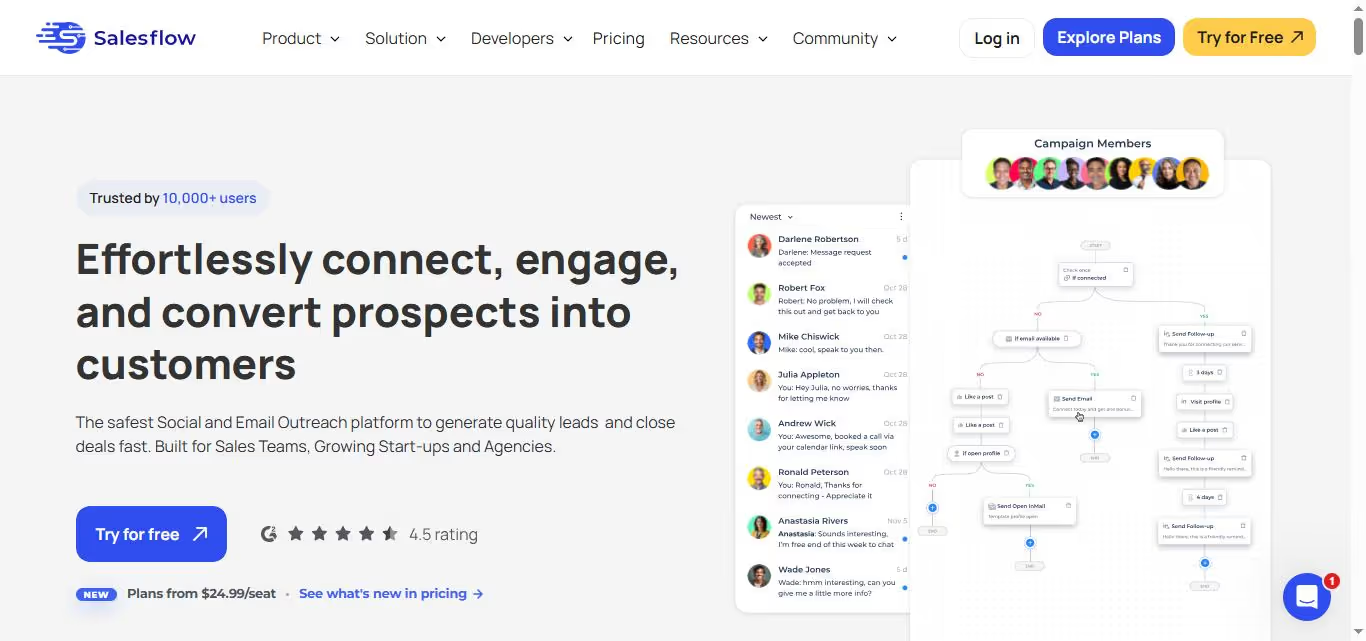
Overview: Salesflow is a cloud-based LinkedIn automation platform focused on structured prospecting and account safety.
It provides automated connection requests, follow-up sequences, a unified inbox, Sales Navigator compatibility, team collaboration features, campaign reporting, and built-in activity limits to help users stay within LinkedIn guidelines.
The reporting dashboard is clean and straightforward, useful for agents who want to review campaign performance weekly without digging through complex analytics.
Key features:
- Cloud-based operation with explicit monthly activity caps
- Automated connection requests and multi-step follow-up sequences
- Unified inbox for all LinkedIn conversations
- Campaign performance reporting
- Team collaboration with role-based access
Pros:
- Explicit activity limits built into the platform give agents who are new to automation a guardrail against over-running campaigns
- Clean reporting that is genuinely easy to read week to week
- Cloud-based; campaigns run while the agent is away from their desk
Cons:
- $99/month for features available elsewhere at lower cost
- Limited personalization capability relative to SalesRobot
- Fewer native CRM integrations than Dux-Soup
Pricing: Plans start around $99/month for one account, and reduce as you add more seats
Best for: Agents who want cloud-based outreach with explicit safety limits built in and a simple reporting dashboard, without needing to configure limits themselves.
Side-by-Side Comparison
Matching the Tool to the Lead Type
Real estate agents on LinkedIn are not all chasing the same prospect. Here is which tool fits which outreach target:
Targeting corporate HR directors and relocation managers: SalesRobot or Expandi. The corporate audience responds to messages that reference their company, their role, and a specific offering. AI personalization (SalesRobot) or coordinated LinkedIn and email sequences (Expandi) are the right approach. Generic variable-based messages will be ignored.
Building a referral partner network (attorneys, financial advisors, accountants): Dripify or Waalaxy. The message here is more templated and the volume is lower; you are building relationships with 50-100 professionals, not running mass outreach. A budget tool with a clean sequence builder is sufficient.
Prospecting property investors and family office contacts: SalesRobot with Sales Navigator. Filter by title (Principal, Managing Director, Partner) and industry (Private Equity, Family Office, Asset Management). AI personalization that references recent activity or career history gets replies from people who ignore every generic pitch.
Running outreach across a team of agents: HeyReach. The multi-sender model with a unified inbox is purpose-built for this. Individual tool subscriptions per agent become expensive and fragmented at scale.
Building targeted prospect lists from LinkedIn events or conferences: PhantomBuster. No other tool on this list can scrape event attendees and produce an enriched outreach list. Pair it with SalesRobot for the actual outreach once the list is built.
Frequently Asked Questions
What is the best LinkedIn automation tool for real estate agents?
SalesRobot is the best option for most real estate agents thanks to its AI-powered personalization, cloud-based automation, Sales Navigator integration, and strong account safety features.
If you're just getting started and want a simpler option, Dripify is a solid alternative.
Is LinkedIn automation safe for real estate agents?
Yes, when used correctly. Cloud-based tools with dedicated IPs, activity limits, and human-like automation settings are generally much safer than browser extensions.
To reduce risk, avoid sending too many connection requests and choose tools that prioritize account safety.
What types of real estate leads can you find on LinkedIn?
LinkedIn is ideal for reaching corporate relocation contacts, HR managers, property investors, family office professionals, and referral partners such as attorneys, financial advisors, and accountants.
These leads are often harder to find through traditional real estate marketing channels.
Do I need Sales Navigator with a LinkedIn automation tool?
No, but it helps. Sales Navigator gives you advanced filters for job title, location, company size, industry, and seniority, making it much easier to build targeted prospect lists.
Most LinkedIn automation tools work seamlessly with Sales Navigator searches.
How long does it take to get results from LinkedIn automation?
Many agents start receiving replies within the first couple of weeks. However, building a steady pipeline usually takes 60–90 days of consistent outreach.
Referral partnerships and high-value relationships often take longer because they rely on trust and ongoing engagement.
Can LinkedIn detect automation tools?
LinkedIn can detect aggressive automation activity. Tools that use unrealistic sending speeds, shared IP addresses, or repetitive messages are more likely to trigger restrictions.
Using a reputable cloud-based platform, personalizing messages, and keeping activity levels reasonable can significantly reduce the risk.
SalesRobot is a cloud-based LinkedIn outreach automation platform used by 5,400+ businesses worldwide. Starting at $59/month per account with a free trial available. Managed campaign service available from $349/month.

Wow your leads by cloning yourself and sending personalized videos and voice notes to each lead on LinkedIn.
If you don't reply to leads within 5 mins, your chances of converting them fall by 50%. Our AI replies on your behalf instantly! (and yes, you can train it)

Don't shoot in the dark. Get detailed analytics on what's working

SalesRobot allows you to invite other team members, so that they can add their LinkedIn Account, run outreach campaigns and get amazing results just like you.
.avif)


Trusted by 4100+ innovative B2B sales teams and lead gen agencies

.avif)

.avif)




.avif)


Heading 1
Heading 2
Heading 3
Heading 4
Heading 5
Heading 6
Lorem ipsum dolor sit amet, consectetur adipiscing elit, sed do eiusmod tempor incididunt ut labore et dolore magna aliqua. Ut enim ad minim veniam, quis nostrud exercitation ullamco laboris nisi ut aliquip ex ea commodo consequat. Duis aute irure dolor in reprehenderit in voluptate velit esse cillum dolore eu fugiat nulla pariatur.
Block quote
Ordered list
- Item 1
- Item 2
- Item 3
Unordered list
- Item A
- Item B
- Item C
Bold text
Emphasis

Superscript
Subscript